
Table of Contents
SIA Protocol - Alarm Integration
TetherX supports receiving alarm messages from alarm panels using the SIA (Security Industry Association) protocol. This enables integration with burglary, fire, and access control alarm systems to automatically create Events and notify users.
What is SIA?
SIA is a standardized digital communication protocol developed by the Security Industry Association. Alarm panels use SIA to send alarm data to central monitoring stations (CMS) using human-readable ASCII text and short codes.
How it works:
- 2-letter event codes identify alarm type (BA = Burglary Alarm, MA = Medical Alarm, PA = Panic Alarm)
- 3-digit zone numbers identify specific locations or devices
- Checksums ensure data integrity during transmission
- Supports multiple formats: SIA8, SIA20, SIA DC-09 with modern encryption (AES-128)
Tip: SIA protocol creates a common language for alarm systems, fire panels, and access control systems to communicate with monitoring centers and security platforms like TetherX.
Compatible Alarm Panels
TetherX supports SIA protocol from commercial alarm panels when configured with an IP communicator module. This sends alarm messages directly to TetherX over the network for real-time event creation and notifications.
Common supported panels:
- Honeywell Galaxy
- Texecom (via IP communicator, unless using serial integration)
- DSC PowerSeries
- Bosch Solution 3000/6000
- Vanderbilt Vigo/Vigor
- Inim Electronics
- Risco LightSys
Tip: Check with your alarm panel manufacturer for IP communicator module availability and SIA protocol configuration support. Different panels require different communicator modules.
API Endpoint
The SIA integration endpoint accepts alarm messages from alarm panels in standard SIA format:
- Endpoint:
/api/v3/alarms/sia_event - Method: POST
- Content-Type: application/json
SIA Format
SIA events use the following structure:
{
  "alarm": {
    "sia_event": "[#900001|Nti22:02/ri01/PA1001|APanic Alarm]"
  },
  "token": "YOUR_TIMELINE_API_TOKEN"
}
SIA String Components
- #900001 - Site/transmitter ID (matches
transmitter_idin TetherX) - Nti - Timestamp of event
- ri01 - Area/partition identifier (e.g., 'ri1' for Area 1)
- PA - Event type code (e.g., PA = Panic Alarm, BA = Burglary Alarm, MA = Medical Alarm)
- 1001 - Zone number identifying the specific device or location
- A - ASCII text description of the alarm type
Authentication
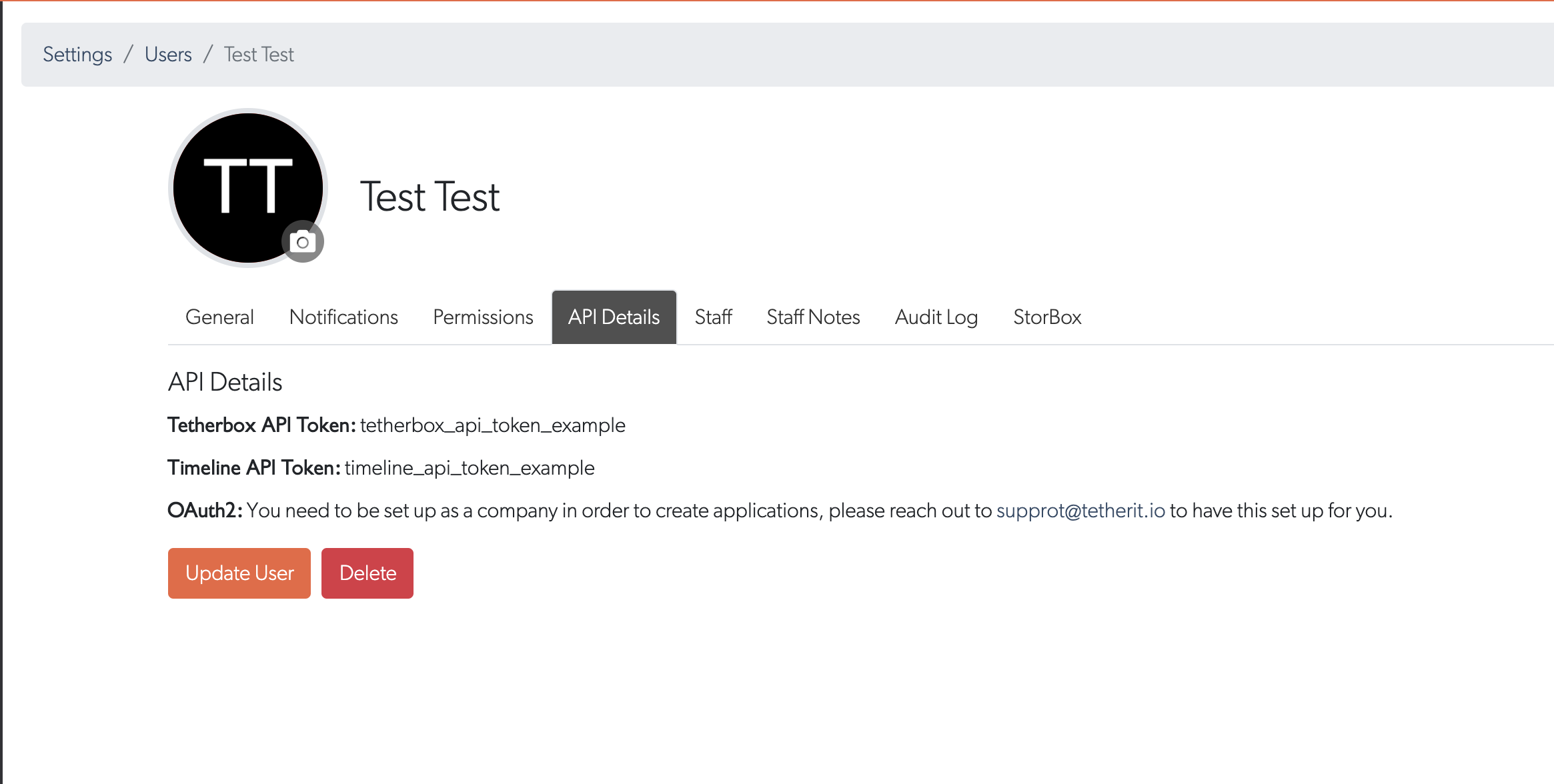
Get your API token from your Timeline account
Steps:
- Click your user avatar (top right)
- Select API Details tab
- Copy your API token
- Include in all API requests
Example Request
curl "https://brand.timeline.is/api/v3/alarms/sia_event" \
  --data '{"alarm":{"sia_event":"[#900001|Nti22:02/ri01/PA1001|APanic Alarm]"},"token":"YOUR_API_TOKEN"}' \
  --request POST \
  -H "Content-Type: application/json"
Response
Successful requests return:
{"status":"ok"}
How It Works
When an alarm panel sends a SIA message to TetherX:
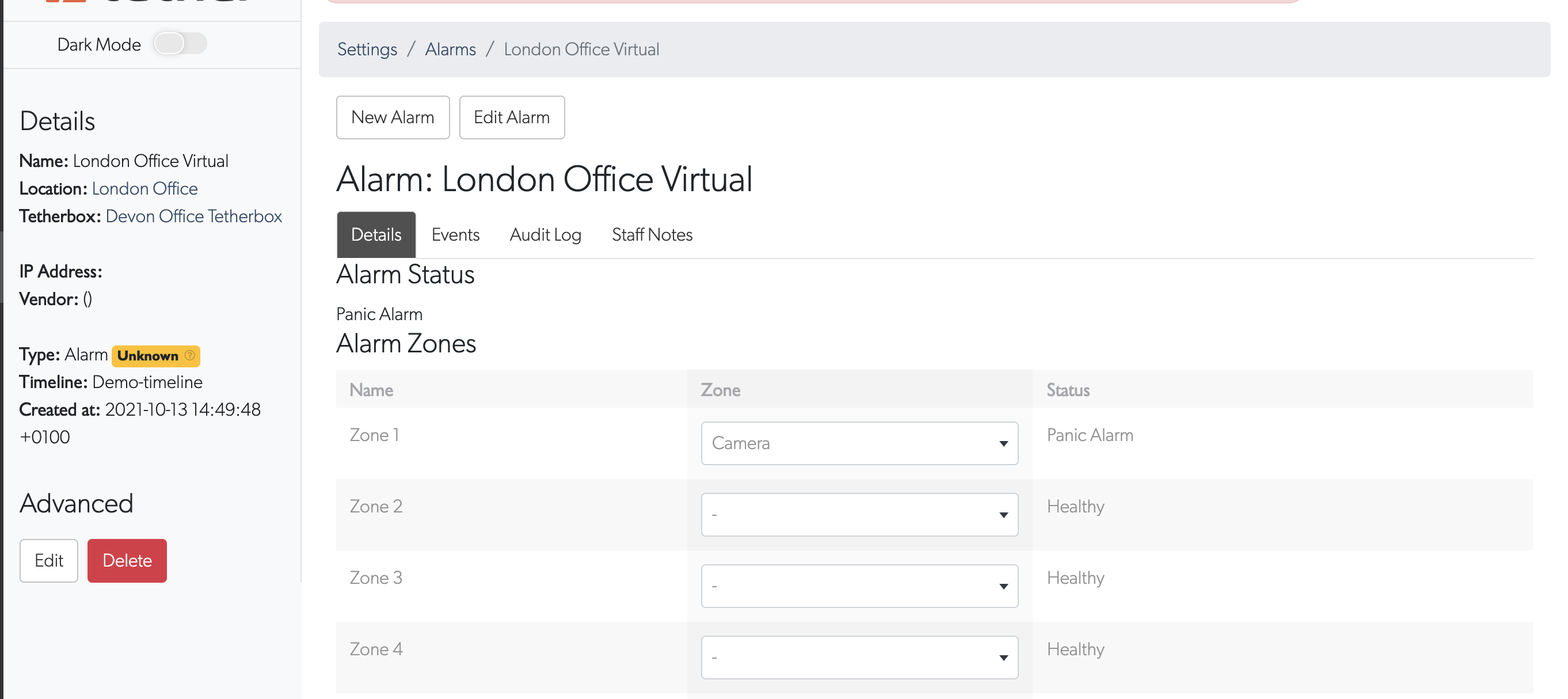
Parse and process: SIA string is parsed to extract site ID, event type, and zone
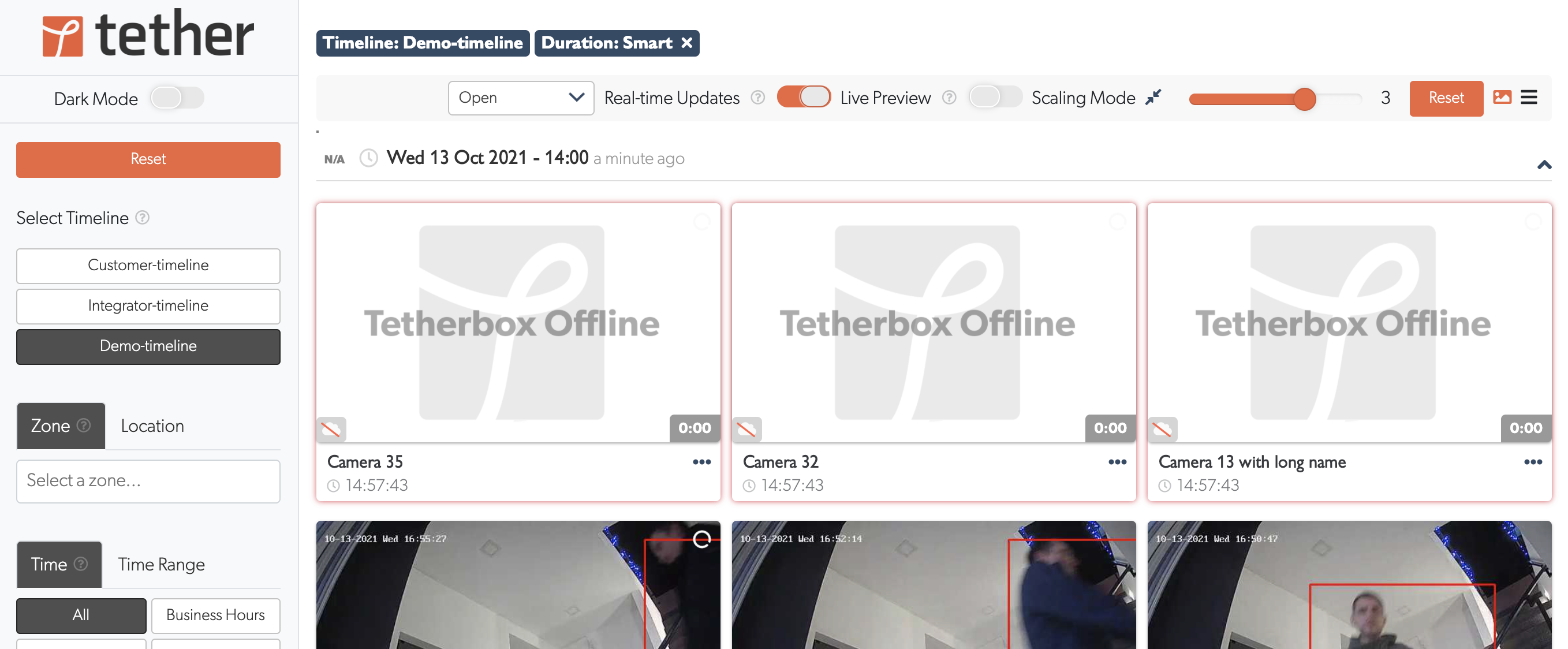
Create event: Alarm Events are automatically created and categorized by event type (burglary, fire, medical, panic, etc.)
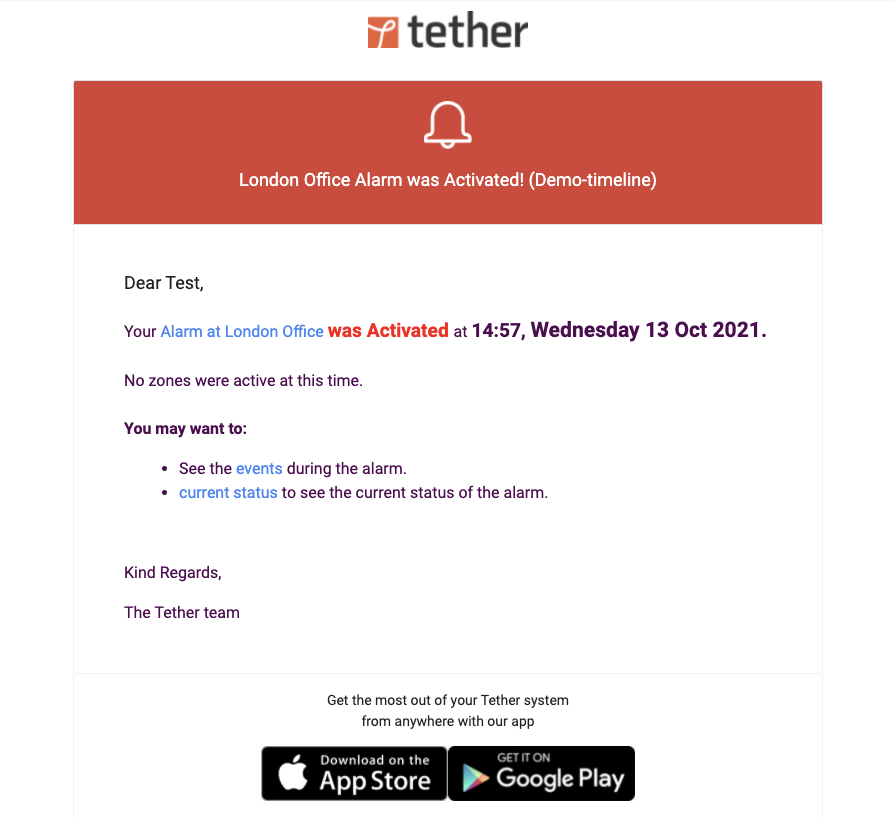
Notify users: Email notifications sent to integrator and admin users with alarm details
Integration: Combine with Cameras for simultaneous video capture when alarms trigger
Notifications
Integrator and admin users receive email notifications for all incoming SIA alarm events, allowing rapid response to security incidents.
Related Articles
- API - Full API reference